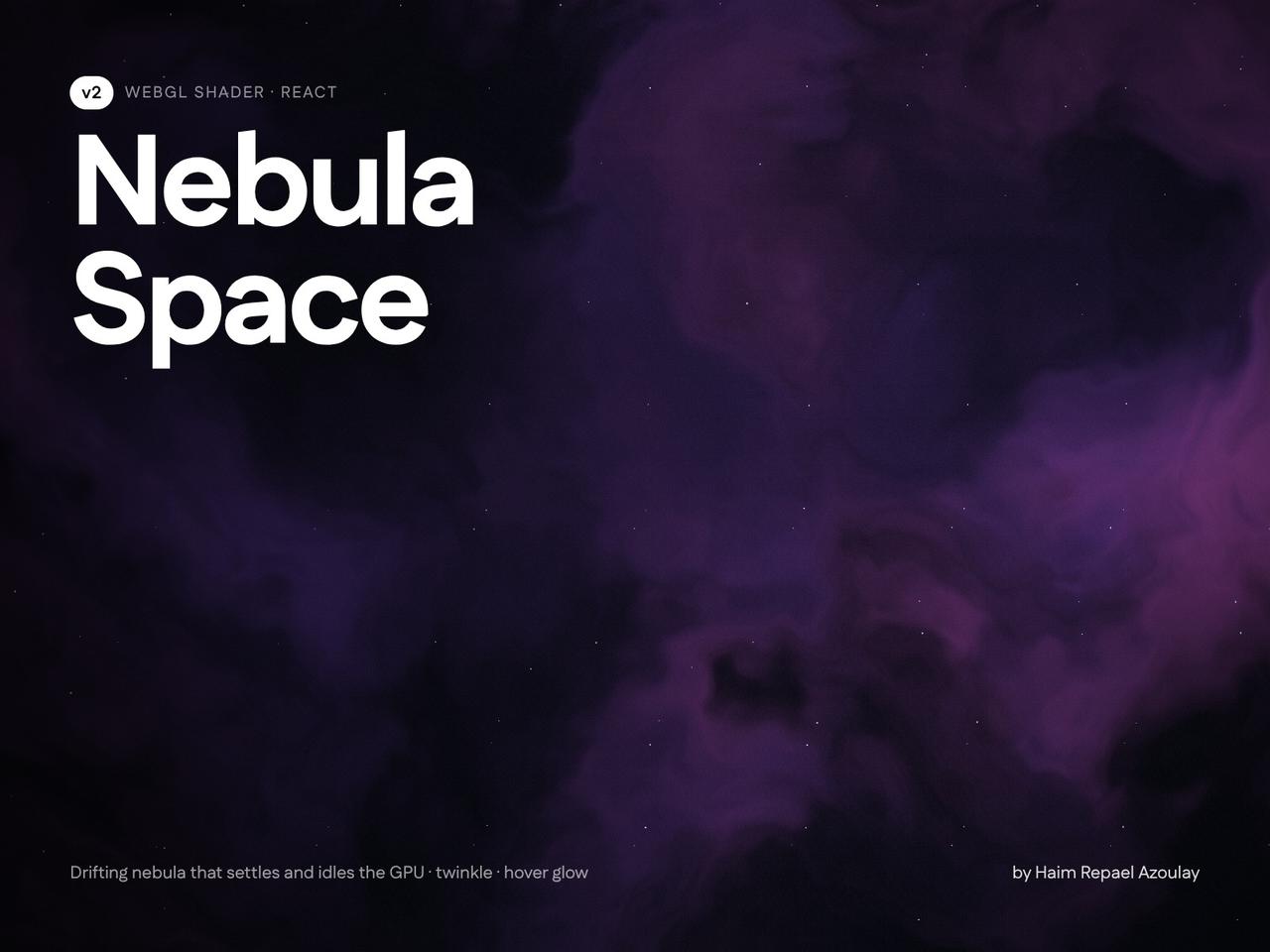
// Copyright (c) 2026 haim repael azoulay. All rights reserved.
import NebulaSpaceBackground from "@/components/ui/nebula-space-background"

const settings = {
  motion: "settle",
  settleSeconds: 8, // 0–60 s of drift, then the GPU idles
  cloudSpeed: 0.15,
  scale: 1.6,
  intensity: 0.5,
  cloudTint: { r: 0.3, g: 0.2, b: 0.45, a: 1 },
  wispTint: { r: 0.42, g: 0.3, b: 0.62, a: 1 },
  baseTint: { r: 0.035, g: 0.04, b: 0.07, a: 1 }, // keep near black, only the hue shows
  starDensity: 0.15, // keep low
  twinkleStrength: 0.6,
  twinkleSpeed: 1,
  twinklePercent: 35,
  grain: 0.03,
  vignette: 0.45,
  seed: 0,
  hoverGlow: true, // faint light inside the clouds following the pointer
  glowStrength: 0.35,
  glowRadius: 0.45,
  glowColor: { r: 0.75, g: 0.7, b: 1, a: 1 },
}

export default function NebulaSpaceBackgroundDemo(props: Partial<typeof settings>) {
  const s = { ...settings, ...props }
  return (
    <div className="relative h-[480px] w-full overflow-hidden rounded-2xl">
      <NebulaSpaceBackground className="absolute inset-0" {...(s as any)} />
      <div className="relative z-10 flex h-full flex-col items-center justify-center gap-3 text-center">
        <h2 className="text-4xl font-semibold tracking-tight text-white">Nebula Space Background</h2>
        <p className="max-w-md text-sm text-white/60">
          Drifts for a few seconds, then rests. Move your pointer over the clouds.
        </p>
        <p className="text-xs text-white/35">
          No loop mode on purpose: an endless full-screen shader is heavy on the GPU.
        </p>
      </div>
    </div>
  )
}