"use client";

import { useEffect, useRef } from "react";
import StackedCards from "@/components/ui/stacked-cards";

interface PitchCard {
  id: string;
  label: string;
  title: string;
  description: string;
}

const cards: PitchCard[] = [
  {
    id: "one",
    label: "One",
    title: "Everything you spent, in one place",
    description:
      "Cards, transfers and direct debits arrive on the same timeline, in the order they happened.",
  },
  {
    id: "two",
    label: "Two",
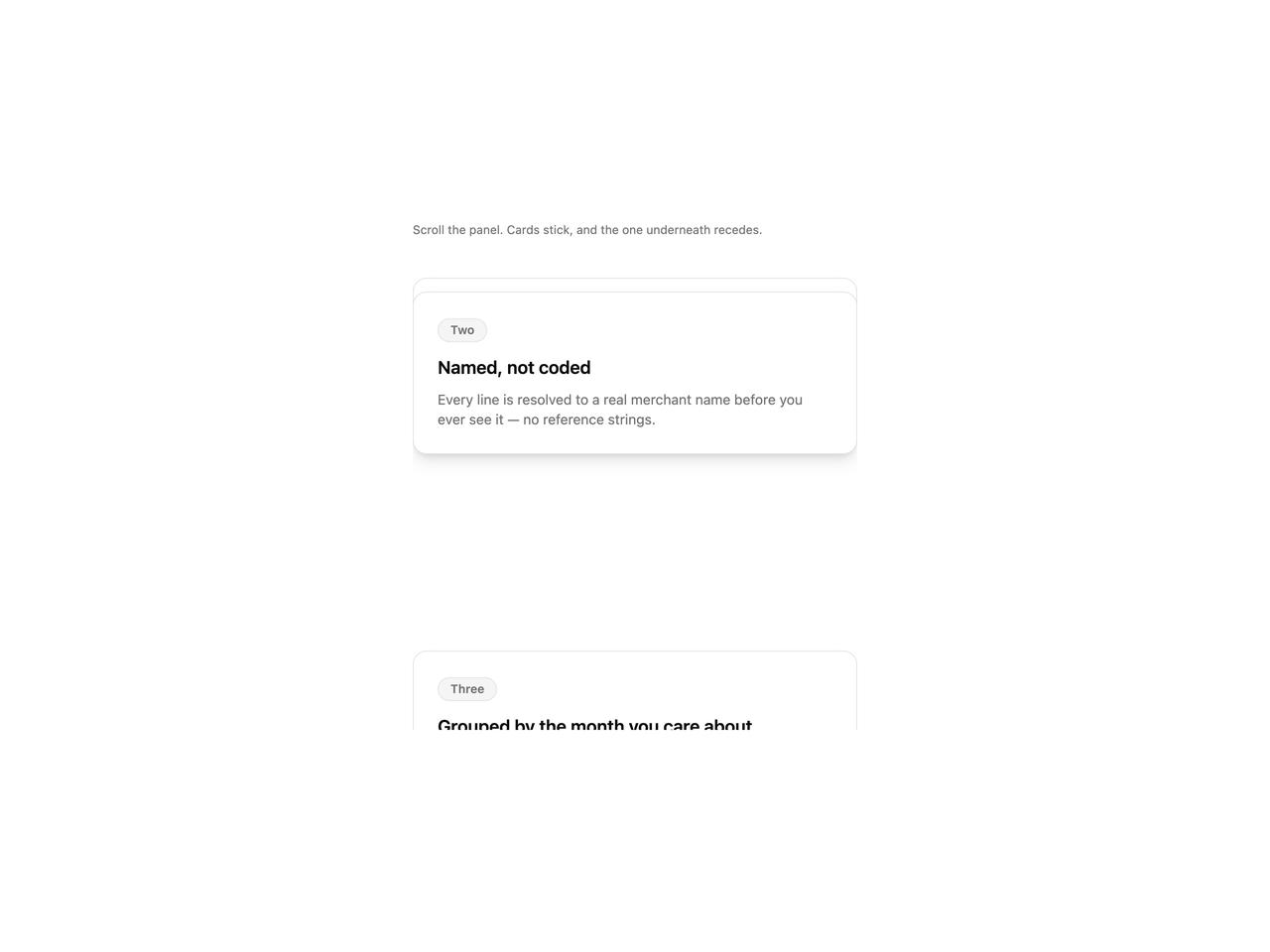
    title: "Named, not coded",
    description:
      "Every line is resolved to a real merchant name before you ever see it — no reference strings.",
  },
  {
    id: "three",
    label: "Three",
    title: "Grouped by the month you care about",
    description: "Not by the statement period your bank happens to run on.",
  },
  {
    id: "four",
    label: "Four",
    title: "And exportable, always",
    description:
      "The same data, as a file, whenever you want it. No support ticket.",
  },
];

export default function StackedCardsDemo() {
  const scrollRef = useRef<HTMLDivElement>(null);

  // Scroll the panel partway on mount so the stacking/receding effect is
  // visible immediately, instead of showing a flat, unscrolled list.
  useEffect(() => {
    const el = scrollRef.current;
    if (!el) return;
    el.scrollTop = 340;
  }, []);

  return (
    <div className="flex w-full justify-center bg-background p-8">
      <div className="w-full max-w-md">
        <p className="mb-4 text-xs text-muted-foreground">
          Scroll the panel. Cards stick, and the one underneath recedes.
        </p>
        <div ref={scrollRef} style={{ height: 480, overflowY: "auto" }}>
          <StackedCards
            items={cards}
            itemId={(card) => card.id}
            renderItem={(card) => (
              <div className="rounded-xl border border-border bg-card p-6 shadow-lg">
                <span className="mb-3 inline-flex h-6 items-center rounded-full border border-border bg-muted px-3 text-xs font-semibold text-muted-foreground">
                  {card.label}
                </span>
                <h3 className="text-lg font-semibold text-foreground">
                  {card.title}
                </h3>
                <p className="mt-2 text-sm text-muted-foreground">
                  {card.description}
                </p>
              </div>
            )}
            scrollRef={scrollRef}
          />
        </div>
      </div>
    </div>
  );
}