"use client";

import * as React from "react";
import { HoloCard, type HoloCardHandle } from "@/components/ui/holo-card";

/* Live controls (21st Demo Controls). */
const settings = {
  maxTilt: 14,
  foil: 1,
};

/* Geist + Geist Mono from Google Fonts */
function useGeist() {
  React.useEffect(() => {
    if (document.getElementById("geist-font")) return;
    const l = document.createElement("link");
    l.id = "geist-font";
    l.rel = "stylesheet";
    l.href = "https://fonts.googleapis.com/css2?family=Geist:wght@400;500;600;700&family=Geist+Mono:wght@500;600&display=swap";
    document.head.appendChild(l);
  }, []);
}

export default function HoloCardDemo(props: Partial<typeof settings>) {
  const s = { ...settings, ...props };
  useGeist();
  const card = React.useRef<HoloCardHandle>(null);
  const [shown, setShown] = React.useState(false);
  const [needsMotion, setNeedsMotion] = React.useState(false);

  React.useEffect(() => {
    const DOE = (typeof DeviceOrientationEvent !== "undefined" ? DeviceOrientationEvent : undefined) as unknown as { requestPermission?: unknown } | undefined;
    setNeedsMotion(window.matchMedia("(hover: none)").matches && typeof DOE?.requestPermission === "function");
  }, []);

  const pill = "h-8 rounded-full px-3.5 text-[13px] font-medium outline-none transition-transform active:scale-[.97] focus-visible:ring-2 focus-visible:ring-[#007AFF]";

  return (
    <div
      className="flex min-h-screen w-full flex-col items-center justify-center gap-6 overflow-hidden px-4 py-10"
      style={{
        fontFamily: "Geist, -apple-system, BlinkMacSystemFont, Inter, 'Segoe UI', Roboto, sans-serif",
        /* dot grid from the "work with AI" block of vasnev.art */
        backgroundColor: "#F2F2F7",
        backgroundImage: "radial-gradient(circle, rgba(0,0,0,.07) 0 1px, transparent 1.4px)",
        backgroundSize: "20px 13px",
        backgroundPosition: "-6px -1px",
      }}
    >
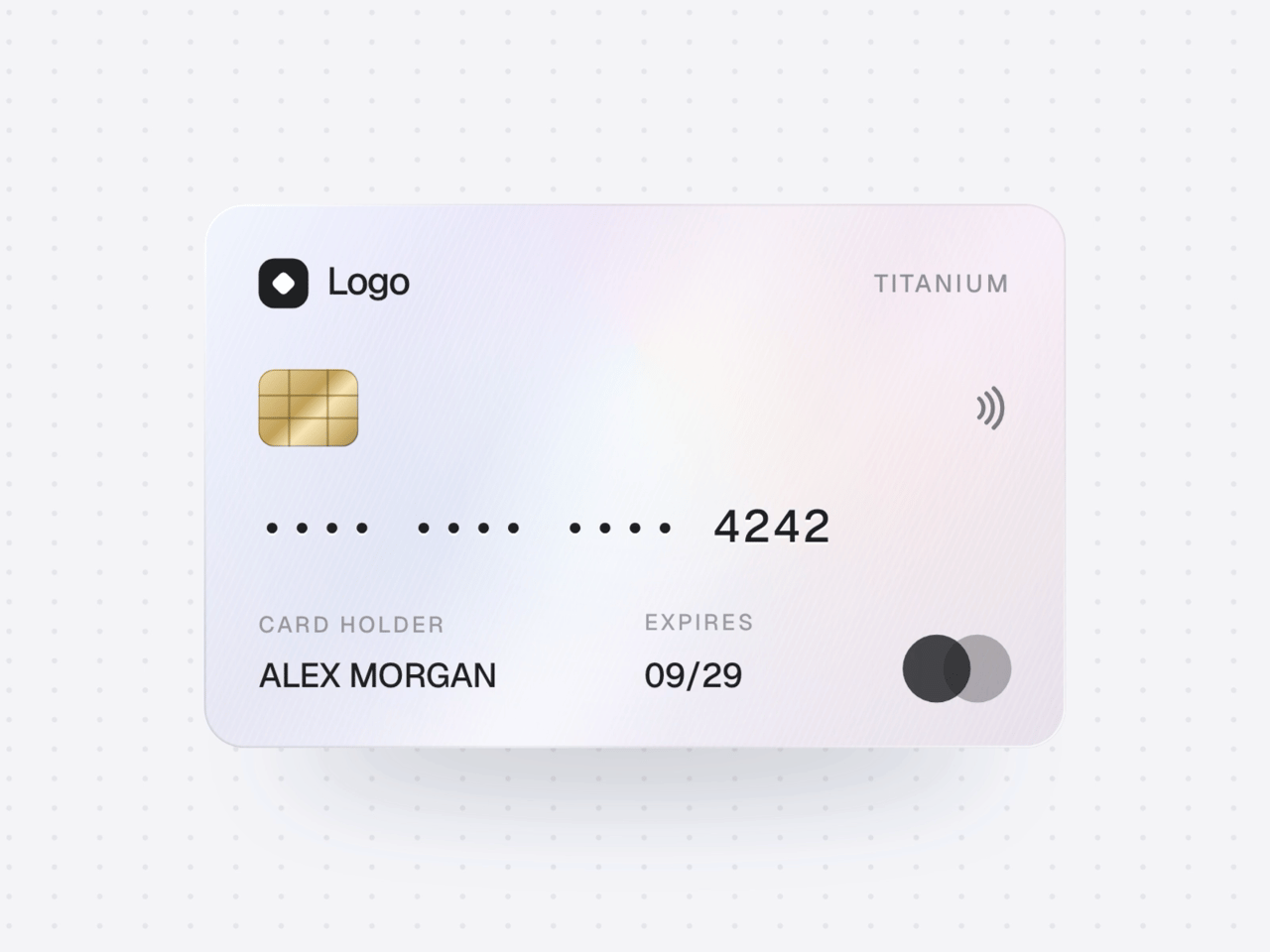
      <HoloCard ref={card} maxTilt={s.maxTilt} foil={s.foil} onReveal={setShown} />

      <p className="m-0 mt-2 max-w-[380px] text-center text-[13px] leading-[18px] tracking-[-0.01em]" style={{ color: "rgba(60,60,67,.6)" }}>
        Move the cursor over the card or tilt your phone. Drag to spin, tap to flip, tap the number to reveal it.
      </p>
      <div className="flex flex-wrap justify-center gap-2">
        <button type="button" onClick={() => card.current?.flip()} className={pill} style={{ background: "#007AFF", color: "#fff" }}>
          Flip
        </button>
        <button type="button" onClick={() => card.current?.reveal()} className={pill} style={{ background: "rgba(118,118,128,.12)", color: "#000" }}>
          {shown ? "Hide" : "Reveal"}
        </button>
        {needsMotion && (
          <button
            type="button"
            onClick={async () => {
              if (await card.current?.enableMotion()) setNeedsMotion(false);
            }}
            className={pill}
            style={{ background: "rgba(118,118,128,.12)", color: "#000" }}
          >
            Use motion
          </button>
        )}
      </div>
    </div>
  );
}